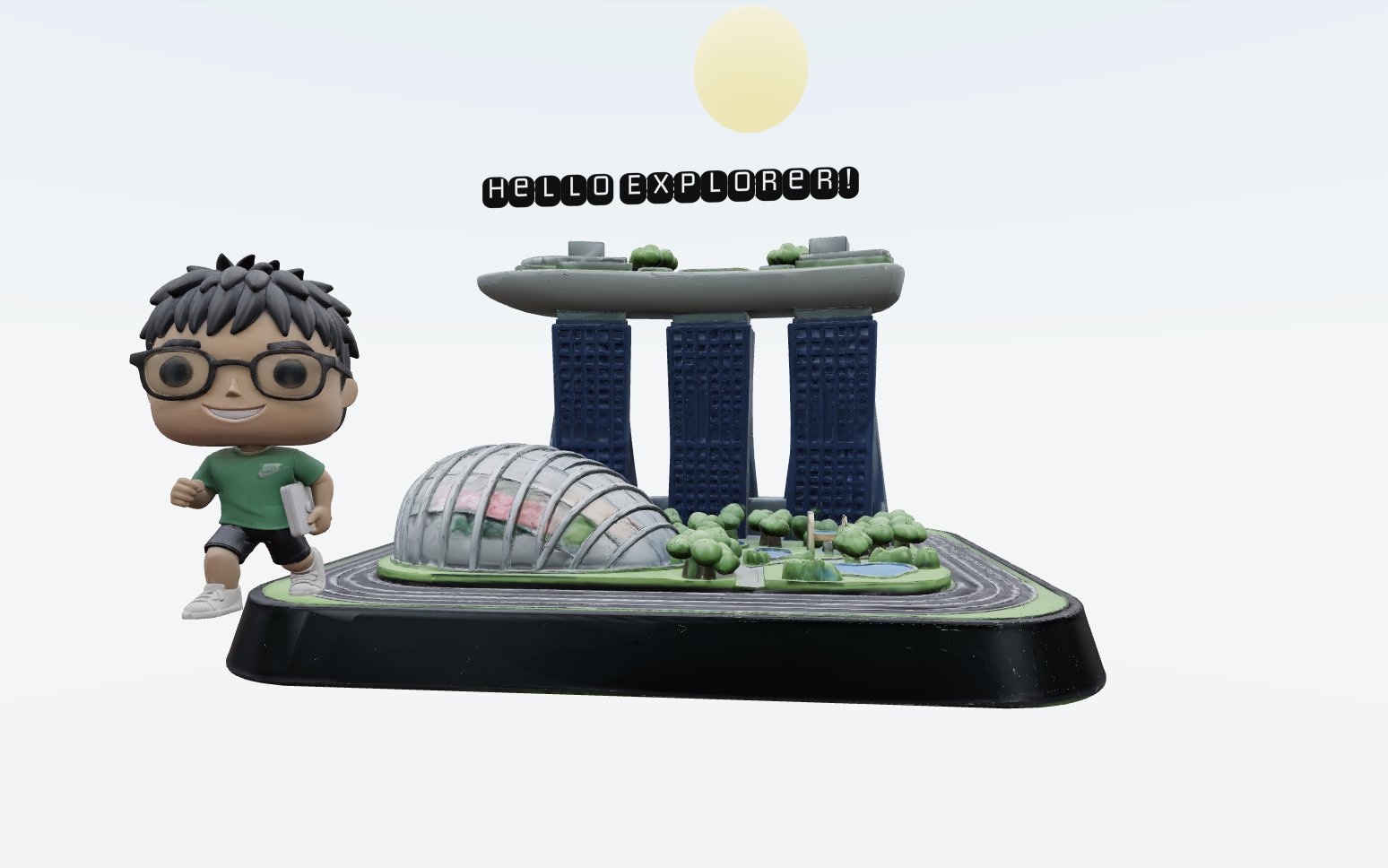
Creating the ThreeJS animation
How I created 3D animations
1. How I learned about ThreeJS
When I was coding my website, I was thinking about how I could bring it to the next level when I recalled seeing a project using ThreeJS shared by a fellow intern friend, during my internship at PayPal.
I decided to do some research and saw a lot of cool ThreeJS animations online but it felt kind of like cheating to just copy and paste one of the animations. Hence, I decided to create my own, using Blender, an open-source 3D animation software.
There was just one HUGE problem, I had no clue how to use Blender. Even after watching a few Youtube videos, the learning curve still seemed quite steep 🙃. In the next page, I share how I managed to effectively use Blender without learning how to use Blender.
2. How the ThreeJS Scene Works
To bring my Blender animation to the web, I used ThreeJS together with React Three Fiber. At a high level, the scene is composed of:
- A 3D model exported from Blender as a .glb file
- Lighting and environmental effects (like a sky, sun, and stars)
- Camera controls for user interaction
- React components to manage loading, animation, and rendering
The 3D model is loaded into the scene, and I use React hooks to play its animation and control the scene's appearance based on light/dark mode. The rest of the scene (lights, sky, etc.) is built using ThreeJS primitives and helpers from the Drei library.
3. Optimizing Model Loading with Draco Compression
Initially, my exported .glb file was quite large (80mb). On my PC, everything worked smoothly after deployment, and I was happy with the result. However, when I tried loading the site on my phone, it took over 30 seconds for the 3D model to appear! This was a huge problem for mobile users.
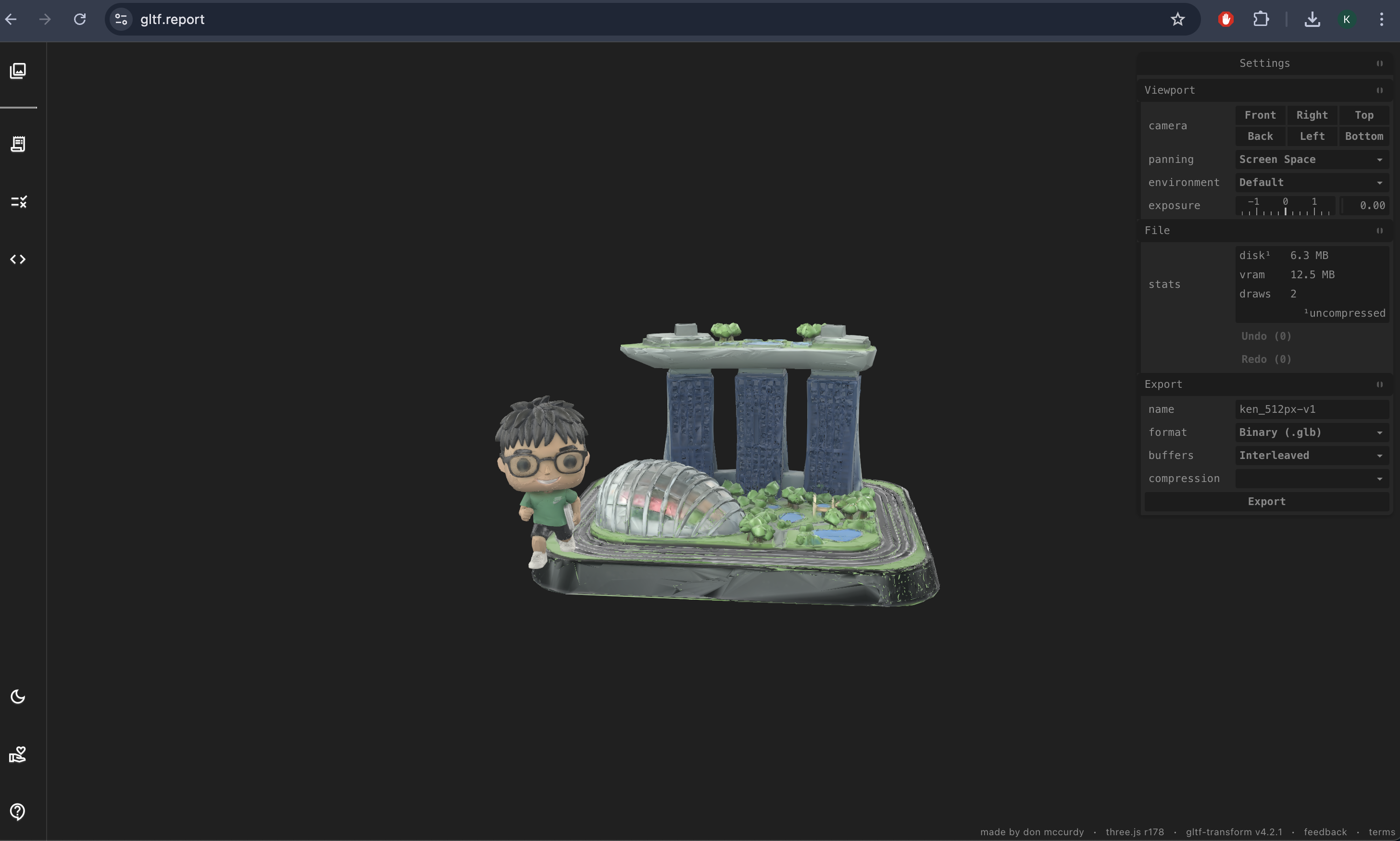
To solve this, I used Draco compression after exporting the model from Blender. Draco significantly reduces the file size of 3D assets. After applying Draco compression, the model loaded much faster on mobile devices, making the experience smooth. The image below is me using the gLTF report to compress the model.
4. Final Result
After a whole weekend of playing around with this tool, I was happy to create something that I liked and really enjoyed trying out the rendering, even almost forgetting to eat 😅! All the code is in my Github! Feel free to take a look at it!